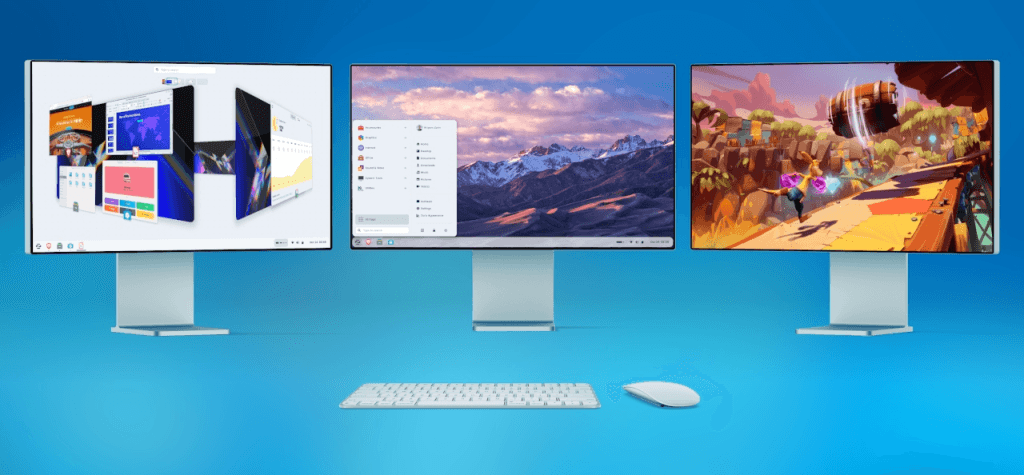
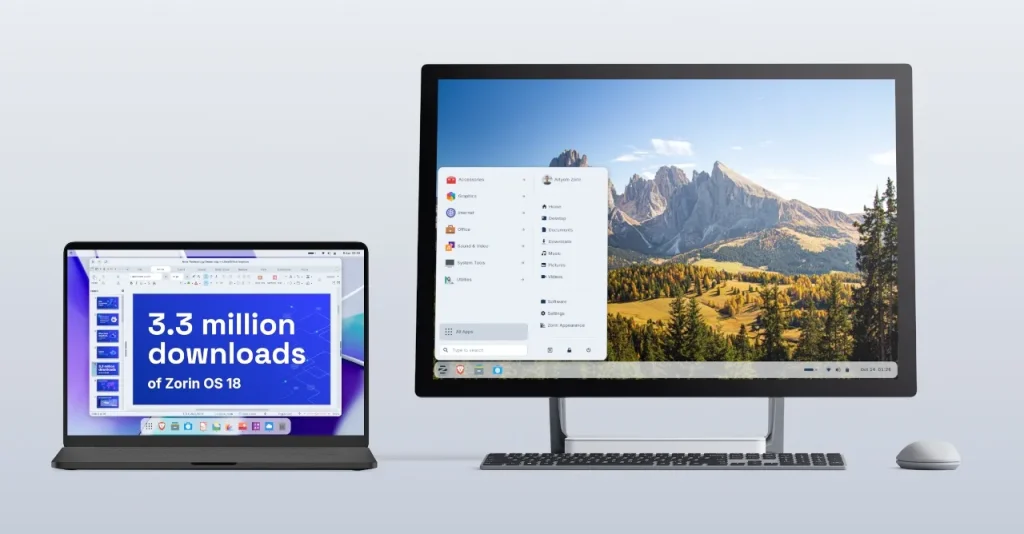
Zorin OS is a Linux distribution built around a specific goal: make Windows users feel at home. The interface mirrors Microsoft’s visual conventions, preinstalled apps cover the most common use cases, and crucially, the system includes a feature that intercepts attempts to install Windows applications and suggests the most suitable Linux alternative instead.
With version 18.1, released just hours ago and six months after 18.0, that feature gets a significant boost.
Fewer Excuses to Go Back
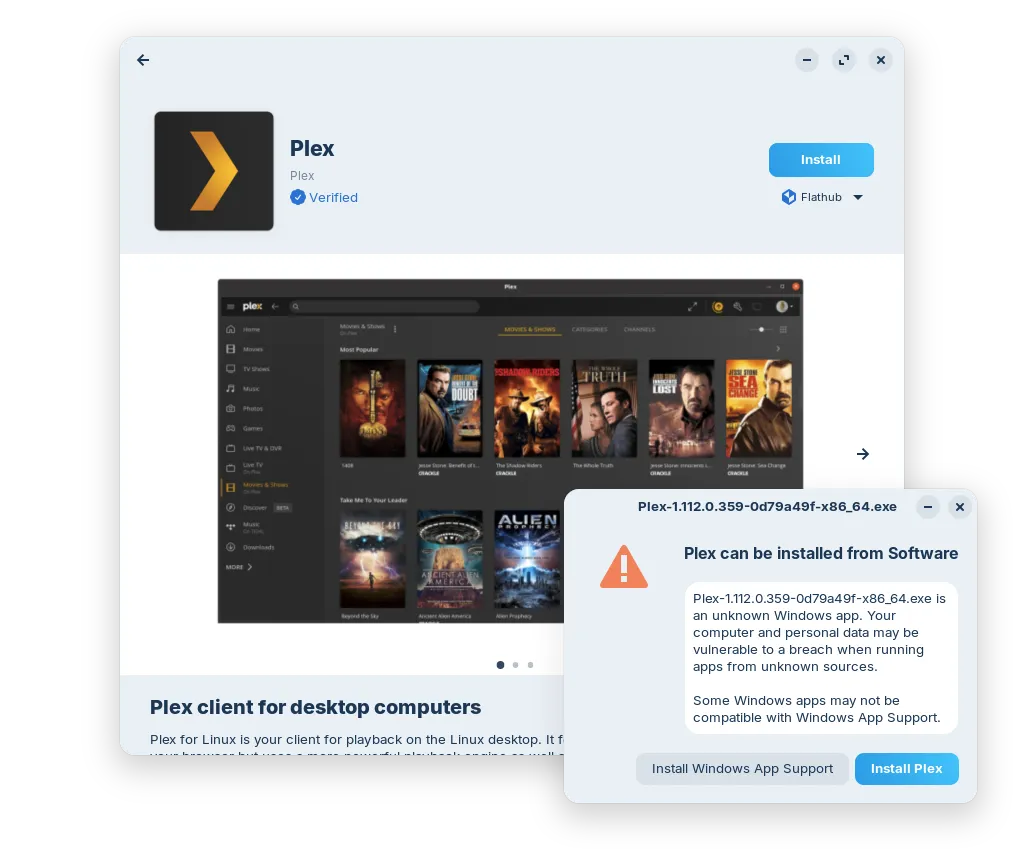
When a Zorin OS user opens a .exe file, instead of running it, the system displays a dialog showing how to use the same application on Linux, whether that’s a native version from the store or a functional equivalent. Someone opening a Plex installer gets directed to the official Linux version; someone trying to install Microsoft Outlook gets pointed toward Evolution Mail.
With 18.1, the database powering this feature grows by over 40 percent and now covers 240 applications. This isn’t a feature for experienced Linux users who don’t download .exe files in the first place, but it’s exactly what someone in the middle of a migration needs when old habits kick in.
Desktop Improvements
The window tiling manager introduces several new options: you can bring all tiled windows to the front together when launching an app from the taskbar, reorder saved layouts, and snap windows to custom layouts rather than being limited to half or quarter screen divisions.
The panel now properly supports right-to-left languages like Arabic and Hebrew, automatically adapting element placement. There’s also a new control for application icons in the notification area, letting you decide which ones to show and how.
LibreOffice 26.2 Included
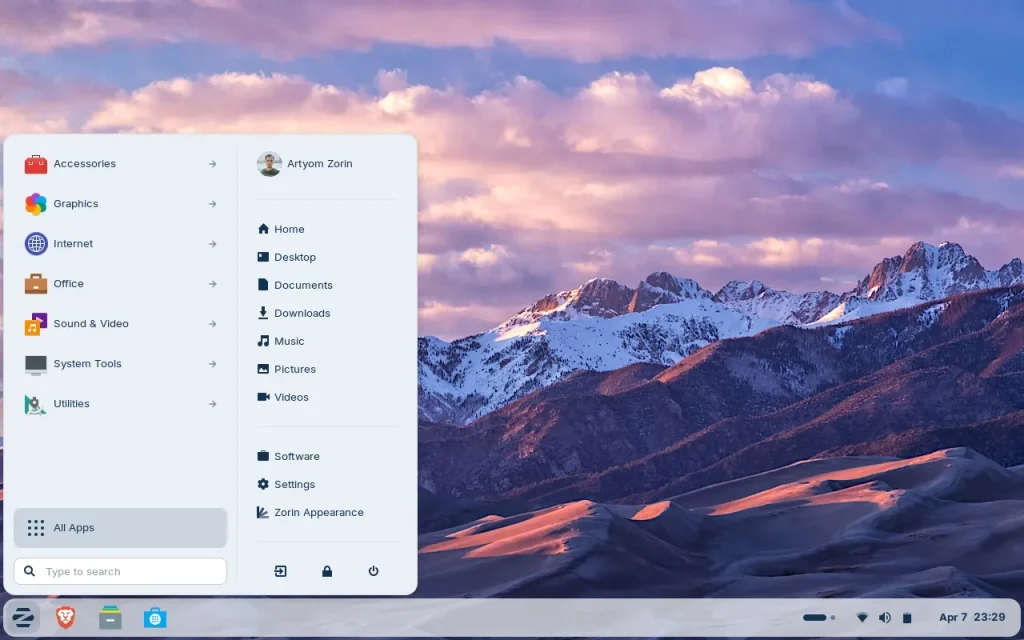
The preinstalled office suite gets updated to version 26.2, which adds Markdown support, connector objects in Calc and Writer, and further improvements to Microsoft Office format compatibility. All other programs included in the base installation have been updated, cutting down on downloads needed at first startup.
Updated Kernel and Expanded Hardware Support
The Linux kernel moves to version 6.17, the same one in Ubuntu 25.10, with new drivers for NVIDIA graphics cards, Intel Xe3 GPUs, AMD hybrid GPUs in laptops, and Apple devices like Magic Mouse 2 and Touch Bar on Intel MacBook Pros. Support for game controllers and gaming handhelds also improves, including ASUS ROG Ally, Lenovo Legion Go, and OneXPlayer.
Lite Edition Arrives
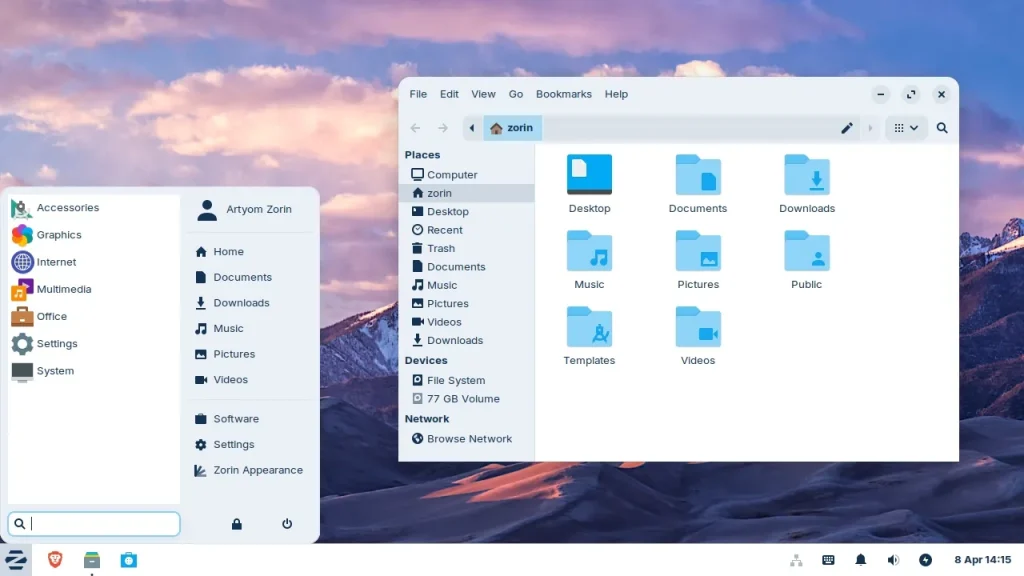
This release also debuts the Lite edition, designed for older computers or those with limited specs. Based on XFCE 4.20, the new Lite edition improves on version 17.3 with a redesigned file manager, fingerprint reader support, refreshed themes with a more rounded look, two new color options (yellow and brown), and integrated web apps in the launch menu.
Zorin OS 18.1 is free to download in Core and Lite editions; the Pro edition costs money. Security updates are guaranteed through June 2029.
 Mastodon
 Telegram
 Bluesky
 RSS
RSS