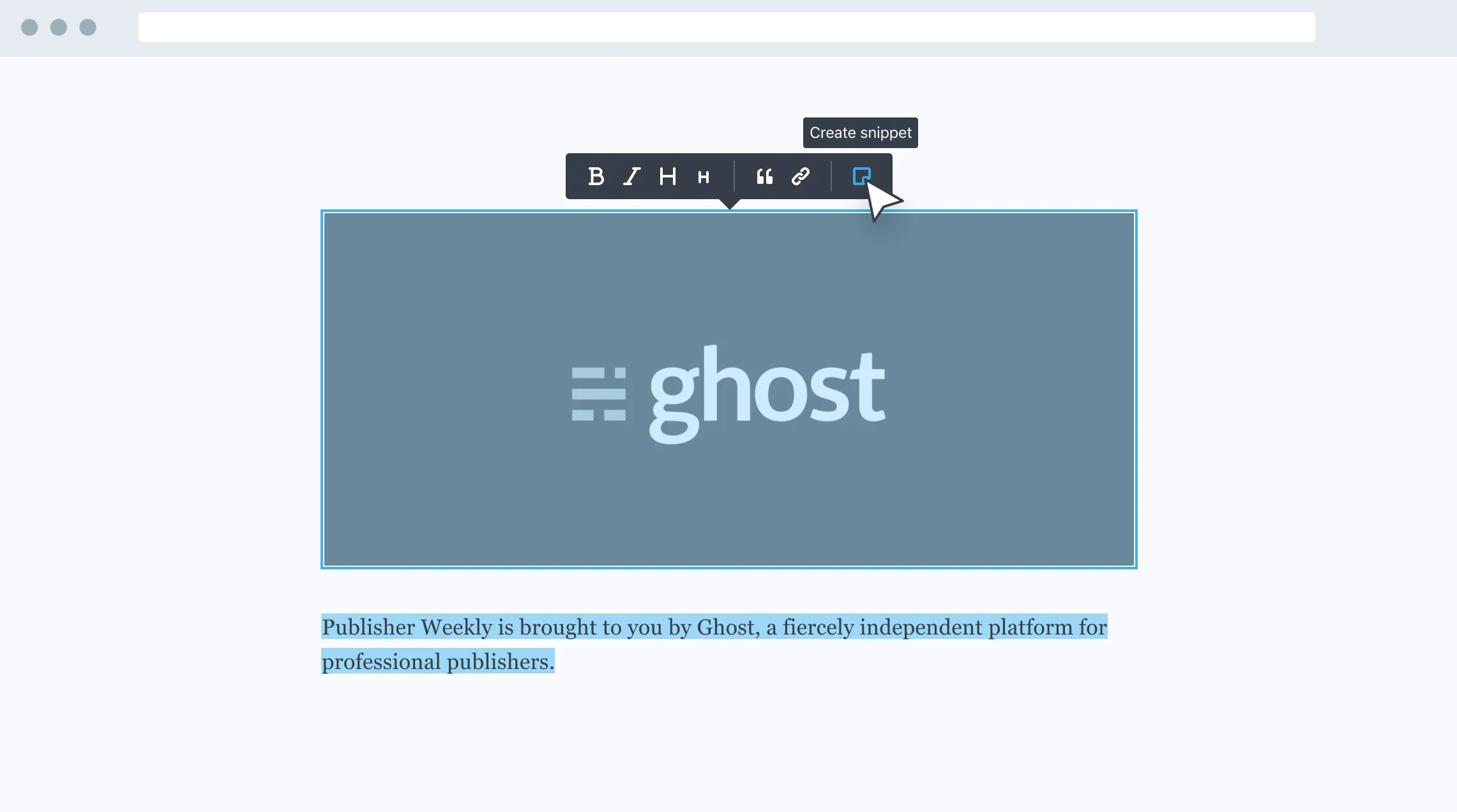
Until recently, adding share buttons to a Ghost site meant editing the theme manually. With the April 21 update, the platform now handles this natively, with no custom code required.
All official themes now include a pre-configured share button. Clicking it opens a panel with three options: copy the post link, email it to someone, or share it on social media with the title and URL already filled in and ready to publish.
For custom themes, just add a link to #/share anywhere on the page. Ghost opens the panel automatically without any extra setup.
Sharing from newsletters too
The same feature works in emails. From newsletter styling settings, you can enable a link at the bottom of each message that opens the post’s share panel directly when clicked by subscribers, keeping them in the reading flow.
Ghost Pro users get the feature already enabled. Self-hosted Ghost installations need to update to the latest version. For custom themes, the official documentation explains how to add support, or you can contact your theme developer.
 Mastodon
 Telegram
 Bluesky
 RSS
RSS